
Roles & Permissions Overview
Role-based access control (RBAC) lets you give each member of your team exactly the access they need — no more, no less. Instead of every user being a full administrator, you assign each person a role, and that role determines which areas of WeGive they can view, create, edit, and delete.
This protects sensitive data (supporter PII, financial records, integration credentials) and makes WeGive safer to roll out across a larger team.
Key concepts
- Permissions are the smallest unit of access — a single action on a single feature, such as “view supporters,” “refund a transaction,” or “manage integration credentials.” WeGive defines a catalog of roughly 160 permissions across every area of the dashboard.
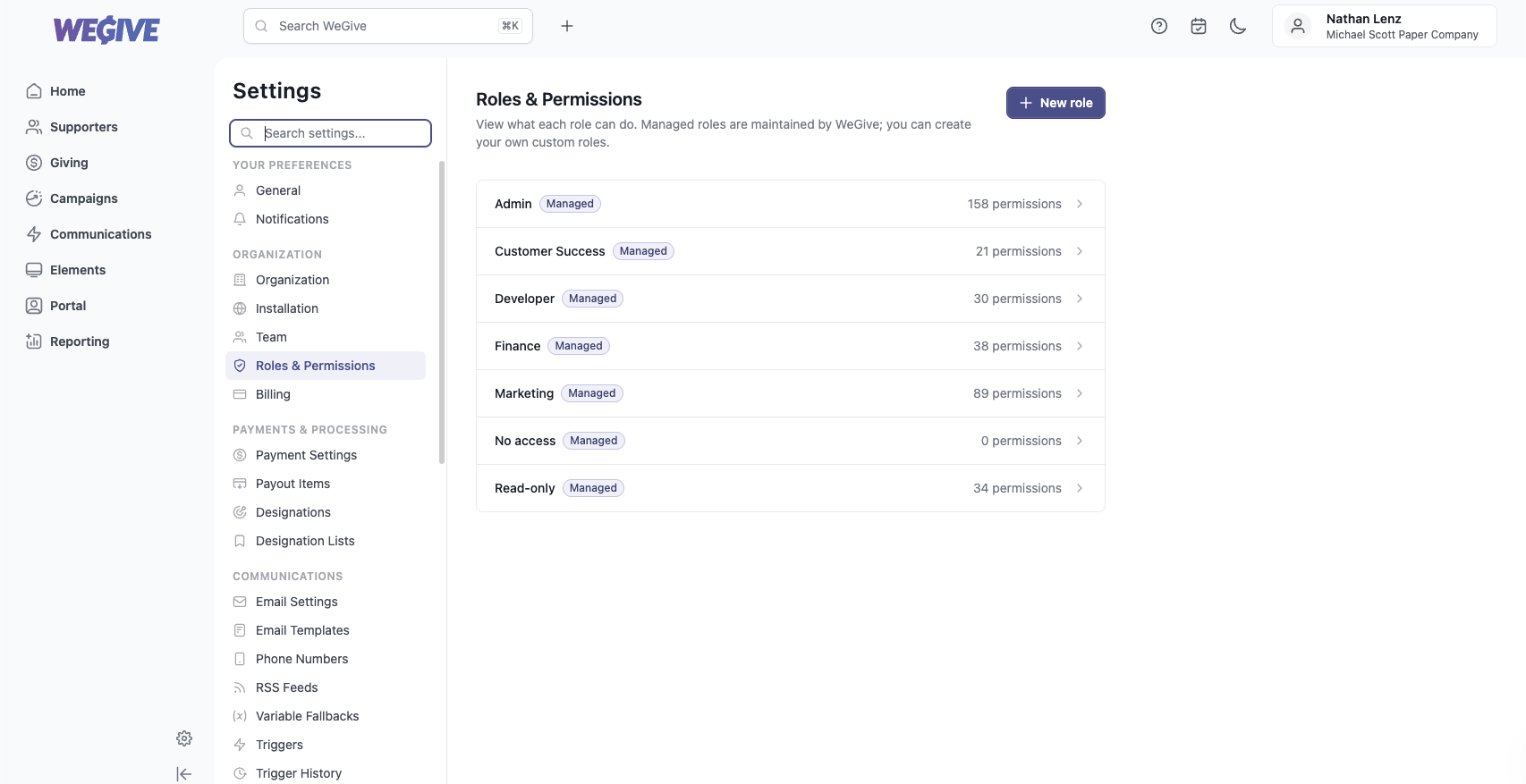
- Roles are named bundles of permissions. WeGive ships six managed roles that cover the most common job functions, plus a No access state for members who haven’t been assigned a role yet.
- Managed roles are maintained by WeGive and kept up to date as new features ship. They’re marked with a Managed badge and are read-only — their permission sets can’t be edited.
- Custom roles can be created by an Admin when the managed roles don’t fit — pick exactly the permissions you want. See Custom roles.
- Assignment happens per member: each team member is given one role, which you set when you invite them or change later from Settings → Team.
The six managed roles
| Role | Best for |
|---|---|
| Admin | Organization owners and leads who need full access, including team and billing management. |
| Finance | Finance and operations staff working with transactions, payouts, pledges, and billing. |
| Marketing | Marketing and fundraising staff running campaigns, events, communications, and automation. |
| Developer | Technical staff managing integrations, API access, data imports, and customization. |
| Customer Success | Support staff who work directly with supporters, notes, and conversations. |
| Read-only | Stakeholders who need visibility into non-sensitive data without the ability to change anything. |
Every member’s access is determined by their role across the dashboard — navigation, pages, and individual actions are all gated by the permissions that role grants.
Where RBAC applies
RBAC governs team members (your organization’s staff). It does not change how supporters access the donor portal — supporters only ever see their own records, which is enforced separately and is unaffected by roles.
Next steps
Support
Questions about access control or which role fits a team member? Email support@wegive.com.