The Three Unsubscribe Link Types
1. Un-Authed Link (Subscription Preferences)
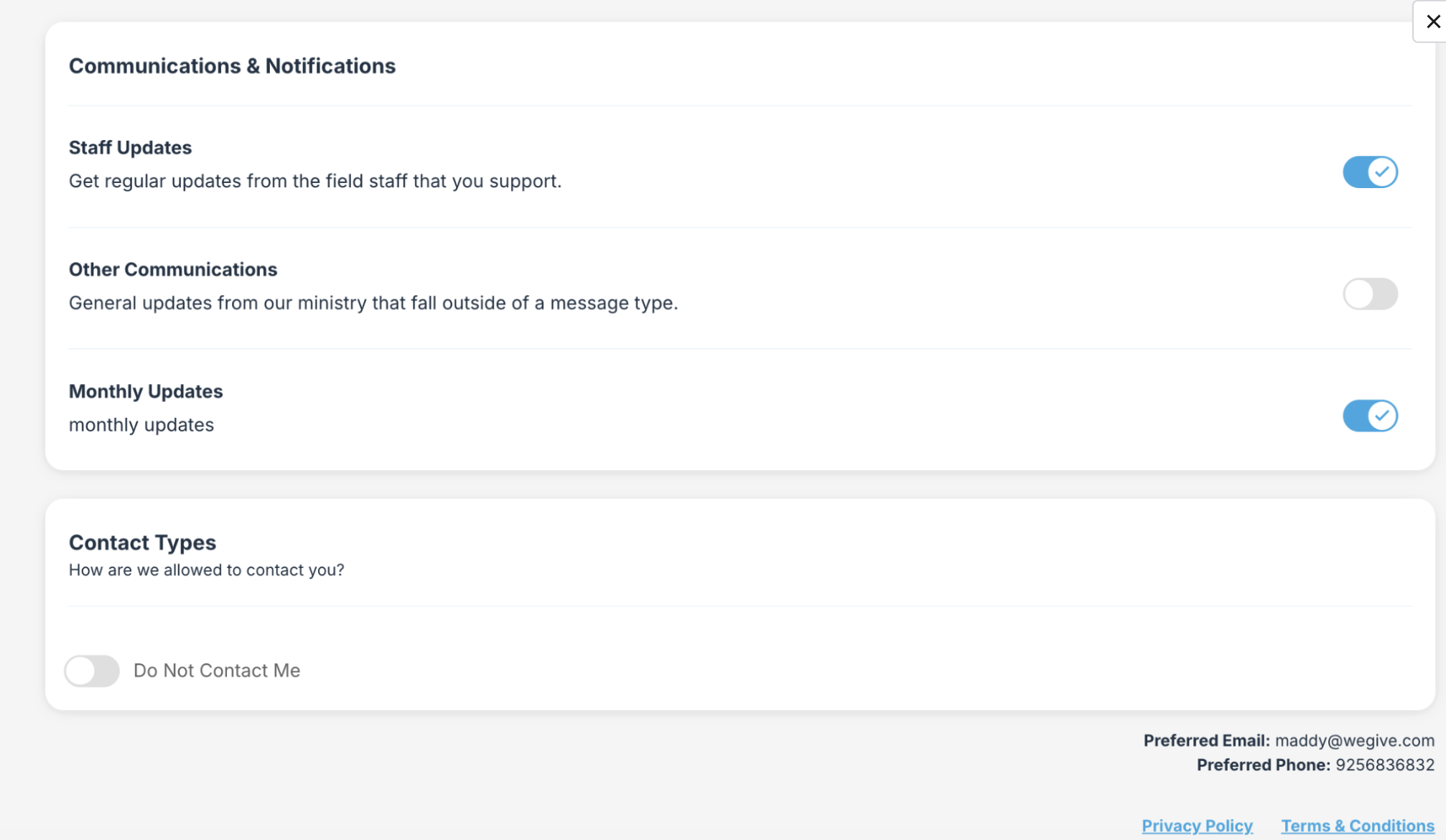
This link opens your organization’s full preference center — including all message types and contact type settings — with no login required. The link automatically identifies the recipient. From this page, a recipient can:- Toggle individual message types on or off
- Unsubscribe from all lists
- Set themselves to “Do Not Contact”
2. Pre-Auth Link (Settings)
This link takes the supporter directly to the Donor Portal Subscription preferences page. If the supporter is already logged in, they land directly on the portal page. If not, they are prompted to log in first and are then redirected to the preferences page.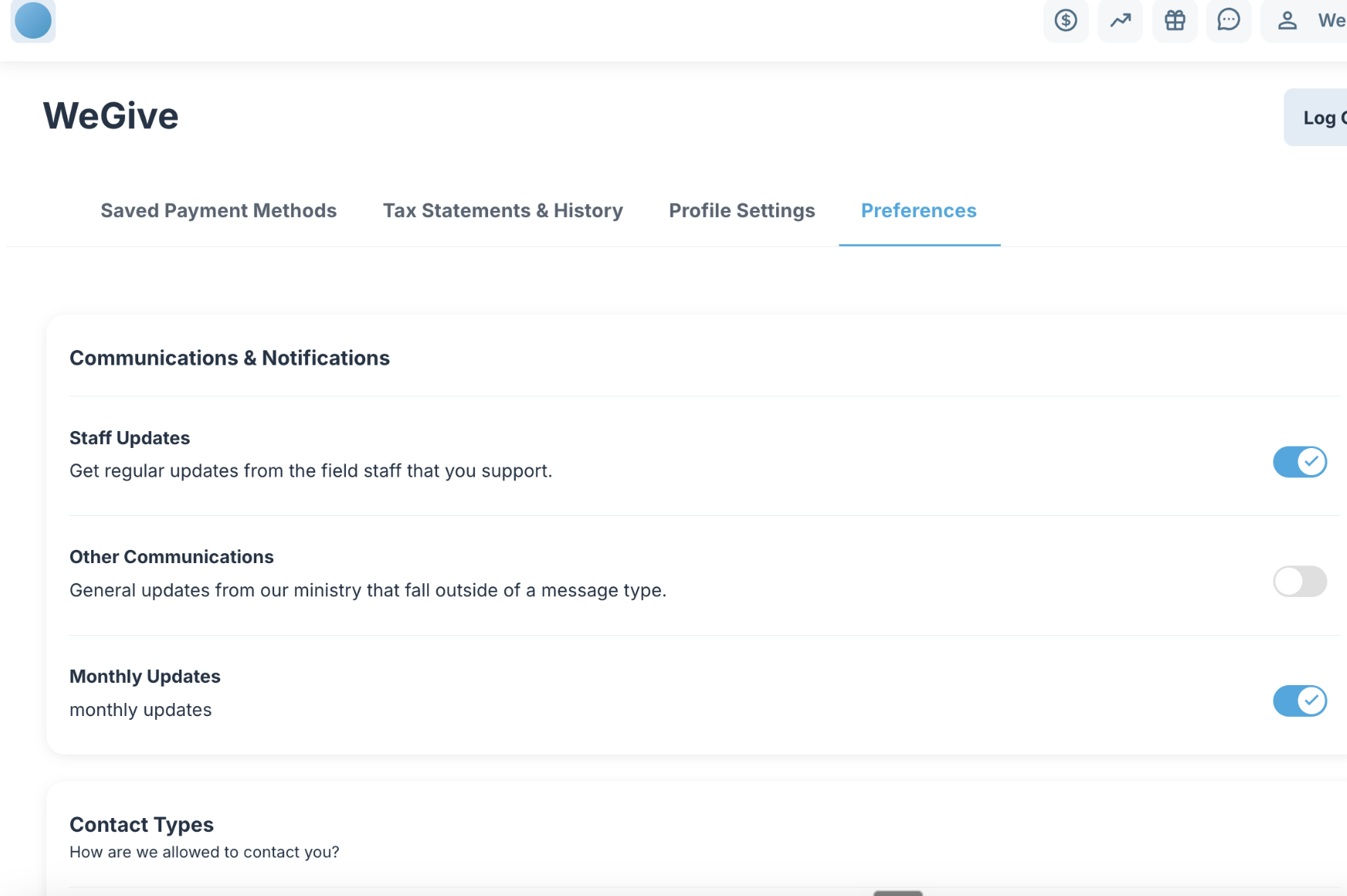
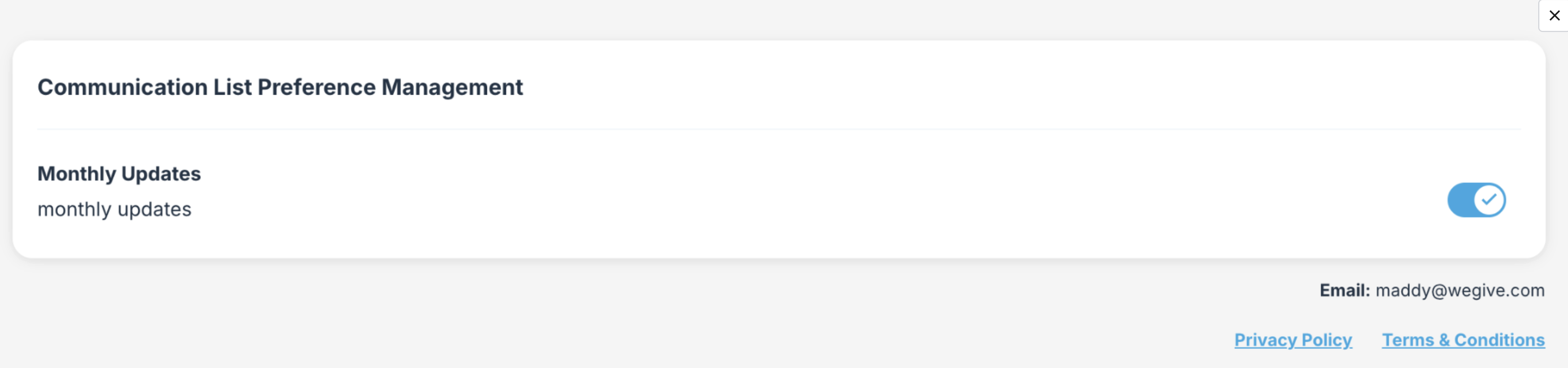
3. Unsubscribe Link
This opens a simplified page showing only the specific communication list the email was sent from. The recipient can opt out of just that single list without affecting any other preferences. No login is required.